
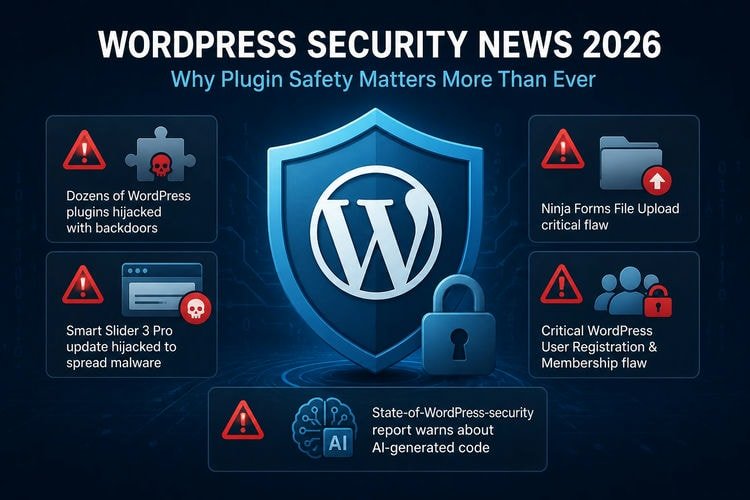
WordPress is still the most popular website platform in the world and WordPress security news has become a must‑read topic for developers. In 2026, security problems are growing fast, especially because of plugins. Plugins help us add features easily, but they can also create serious risks if not managed properly. Recent news shows that even trusted plugins can become dangerous. So, website owners must be more careful than before.
1. Dozens of WordPress plugins hijacked with backdoors
In April 2026, a shocking case came out. A hacker bought a small plugin company and secretly added backdoors into many of its plugins. These plugins were already installed on thousands of websites. When users updated them, the hacker got full control of those sites without being noticed.
This type of attack is called a supply-chain attack. Instead of attacking one site, the attacker targets the plugin itself. It is very effective and dangerous. The main lesson here is simple: do not install plugins from unknown or untrusted sources. Always check who made the plugin and where you download it from.
2. Smart Slider 3 Pro update hijacked to spread malware
Another big issue happened with the Smart Slider 3 Pro plugin. It is a popular plugin used for sliders. In this case, the update system was compromised. Users saw a normal update notification, but the update actually contained malware.
When people clicked “Update now,” they installed a harmful version of the plugin. This version included backdoors that attackers could use later.
This shows that even popular plugins are not always safe. So, before updating, it is better to check official announcements or changelogs. Also, always keep a backup of your website. If something goes wrong, you can restore your site easily.
3. Ninja Forms File Upload critical flaw
The Ninja Forms File Upload addon had a very serious vulnerability (CVE-2026-0740). This bug allowed attackers to upload harmful files without logging in. That means anyone could upload a malicious script and run it on the server.
Once that happens, the attacker can take full control of the website. Many hosting companies saw a rise in attacks right after this vulnerability became public.
This situation teaches an important lesson. If you are not using a plugin feature, disable it or remove the plugin completely. File upload features are especially risky and should be used only when necessary.
4. Critical WordPress User Registration & Membership flaw
Another plugin, User Registration & Membership by WPEverest, also had a critical issue. Attackers could create admin accounts without needing any password or login.
This is very dangerous. Once someone becomes an admin, they can control everything. They can change content, steal user data, or install malware.
Many people think small plugins are safe, but this is not true. Even a small plugin can create a big problem. So, always keep all plugins updated, no matter how small they seem.
5. State‑of‑WordPress‑security report warns about AI‑generated code
A recent 2025–2026 report on WordPress security showed another concern. Many developers are now using AI tools to write plugin code. But sometimes, they do not test the code properly.
As a result, new types of vulnerabilities are increasing. The report also says most security problems are found in plugins, not in WordPress core.
So, website owners should focus more on plugin safety. Check if the developer is active. See how quickly they fix issues. Avoid plugins that are not maintained well.
What website owners can do
To stay safe, you should follow some basic steps:
- Keep WordPress core, themes, and plugins updated.
- Use only reputable plugins from the official WordPress directory or trusted marketplaces.
- Remove unused plugins and themes.
- Regularly back up your site to a separate server.
- Install a security plugin or firewall that can detect malicious activity.
- Contact an Expert for regular maintenance.
About the Author

Munem Sahriar
Munem Sahriar is a Web Developer and Security Consultant with 6+ years of experience, specializing in WordPress development, website security, malware removal, and vulnerability resolution. He has resolved security issues for 1500+ websites, developed 50+ sites, and worked with clients across 60+ countries, along with solid knowledge of digital marketing.
WordPress Development and Security Support
From WordPress development to malware removal and blacklist recovery, I help fix errors and secure your website efficiently.


